
Campus wayfinding signage is a coordinated system of exterior, interior, identification, directional, ADA, and selected digital signs that helps people navigate a property with ease. Rather than functioning as standalone signs, these elements work together to guide students, visitors, patients, staff, vendors, and families from the campus entrance to the right building, room, or service area.
An effective wayfinding system does more than provide directions. It reduces confusion, shortens travel time, improves accessibility, strengthens campus branding, and creates a more welcoming experience for first-time visitors. Whether it's a school, university, healthcare campus, corporate headquarters, or multi-building commercial property, well-planned signage helps people move through the space confidently while reducing interruptions for staff.
In this guide, we explain how the main sign layers work together, where signs should be placed, when static or digital signage makes sense, how ADA requirements affect planning, and what to expect from a full-service sign partner.
Key Takeaways
- A strong campus system combines entrance, directional, identification, interior, ADA, and selected digital signs.
- Plan sign placement around arrival points and locations where visitors choose a direction.
- Keep destination names, colors, arrows, typography, and mounting positions consistent across the campus.
- Use static signs for permanent guidance and digital displays where information needs regular updates.
- Include accessibility, permitting, installation, and ongoing service in the project plan from the beginning.
What Is Campus Wayfinding Signage?
Campus wayfinding signage is a coordinated system of signs that helps people find their way from the campus entrance to the building, department, room, or service they need. Instead of relying on a single sign, it combines entrance signs, directional signs, building identification, interior directories, ADA signage, and digital displays to guide visitors at every stage of their journey.
Think about a parent visiting a university for the first time, a patient trying to find the right clinic on a healthcare campus, or a delivery driver searching for a loading area. Without a clear wayfinding system, they may take wrong turns, miss important buildings, or have to stop and ask for directions. Well-planned signage reduces confusion, saves time, improves accessibility, and creates a more welcoming experience for everyone on campus.
Each sign answers the next question a visitor is likely to ask. An entrance sign confirms they've arrived. Directional signs point them toward parking or key destinations. Building signs reassure them they're in the right place, while interior directories and room signs guide them to their final destination. Digital displays can also provide real-time information, such as event schedules, room changes, campus announcements, or emergency messages, helping campuses communicate important updates quickly when they matter most.
Because each sign serves a different purpose, no single sign type can guide people through an entire campus. The most effective wayfinding systems bring these individual sign types together into one clear, consistent network that makes navigating the property simple and intuitive.
Build a Layered Campus Sign System

A strong campus wayfinding system uses several types of signs.
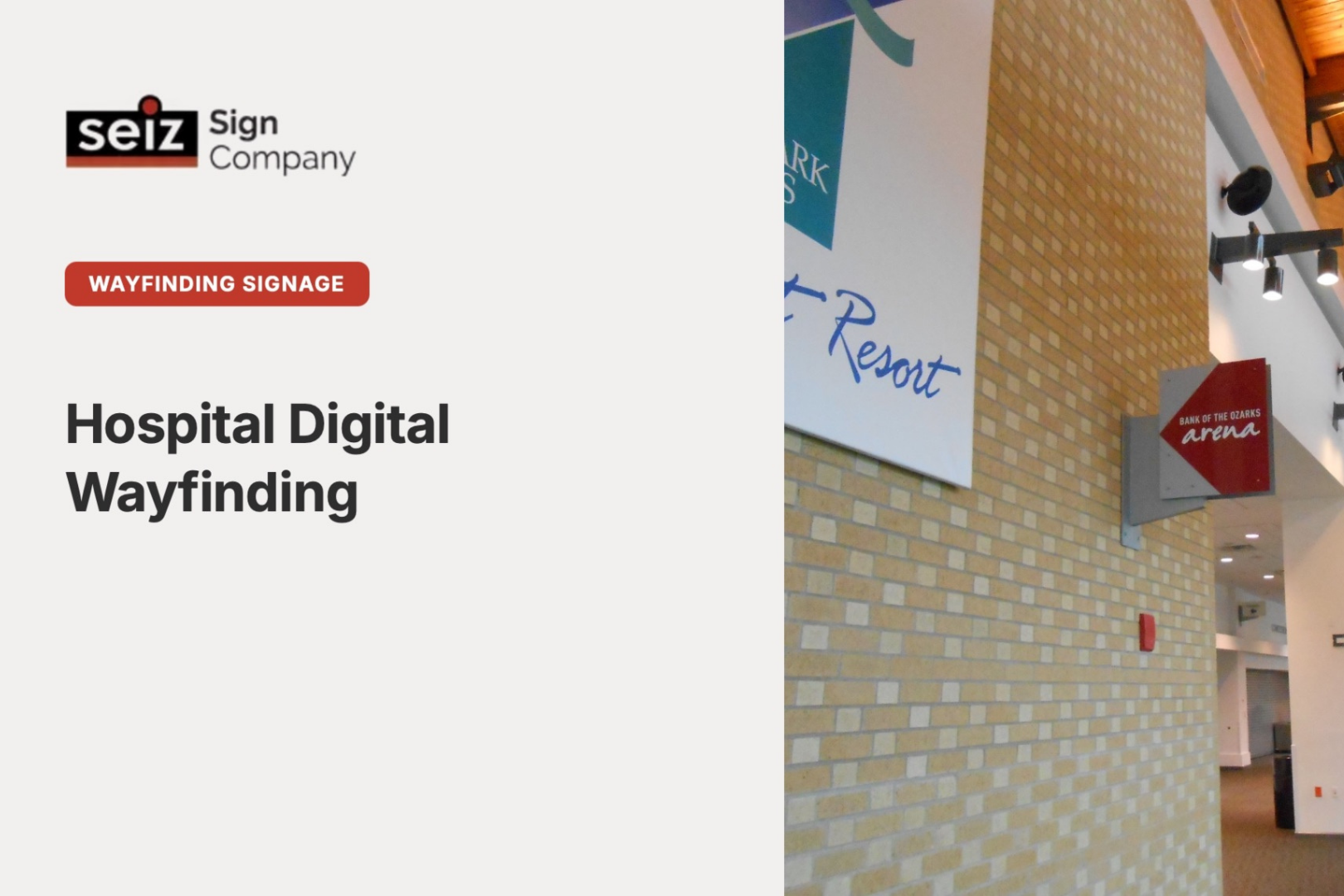
- Static directional signage: Includes entrance monuments, directional signs, building identification, and pedestrian wayfinding signs that provide permanent navigation across the campus.
- Digital wayfinding kiosks: Interactive displays that help visitors search buildings, view campus maps, check event schedules, and access mobile directions.
- Non-interactive digital displays: Digital screens that share directories, room schedules, announcements, and emergency alerts that can be updated centrally.
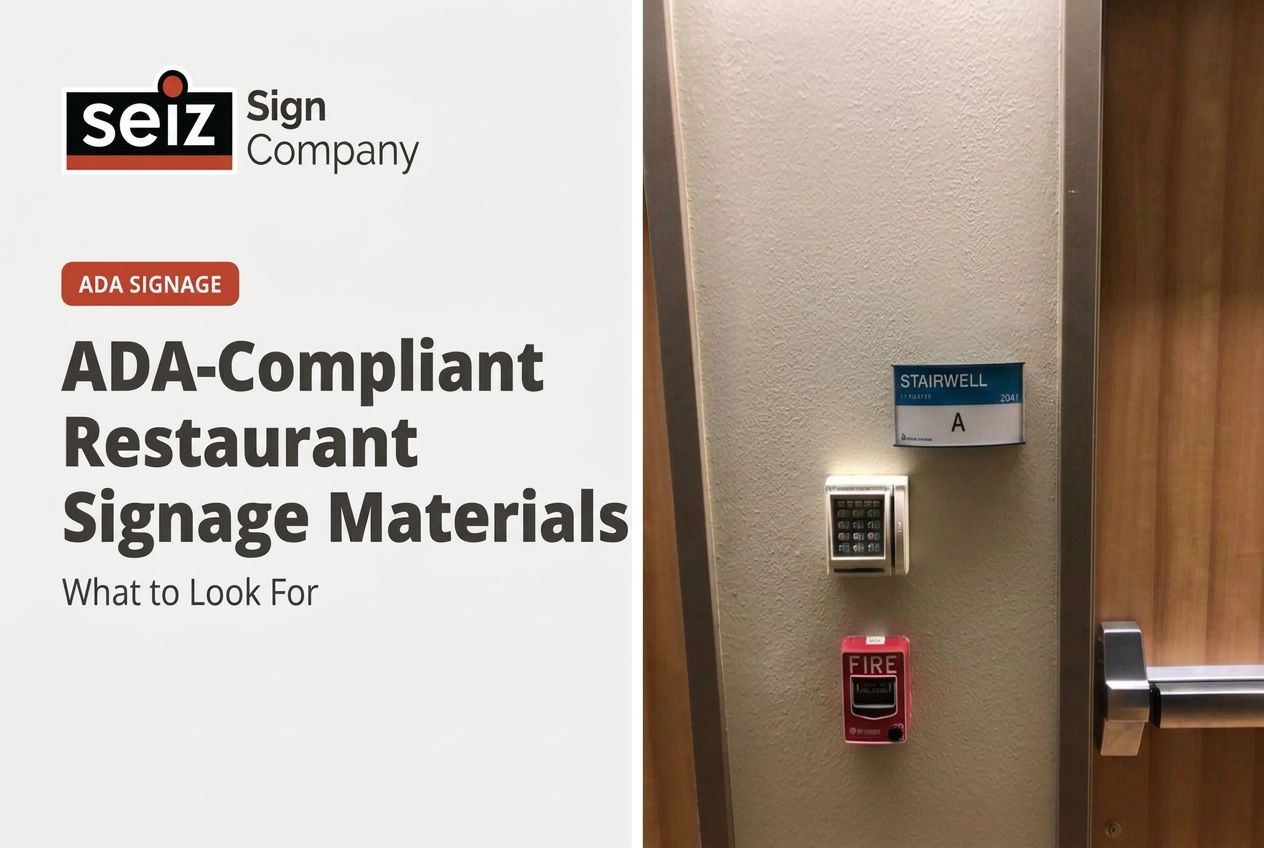
- Interior identification and ADA signage: Room signs, office nameplates, restroom signs, floor directories, and other ADA-compliant signs that guide visitors to their final destination.
Here's where each sign fits into the visitor journey:
| Journey stage | Sign type | What it shows | Main decision |
|---|---|---|---|
| Arriving on campus | Entrance and monument signs | Campus name and main entrance | Make the campus easy to recognize from the road. |
| Moving around campus | Vehicle and pedestrian directional signs | Parking, admissions, residence halls, event spaces, and loading areas | Place signs where people choose between routes. |
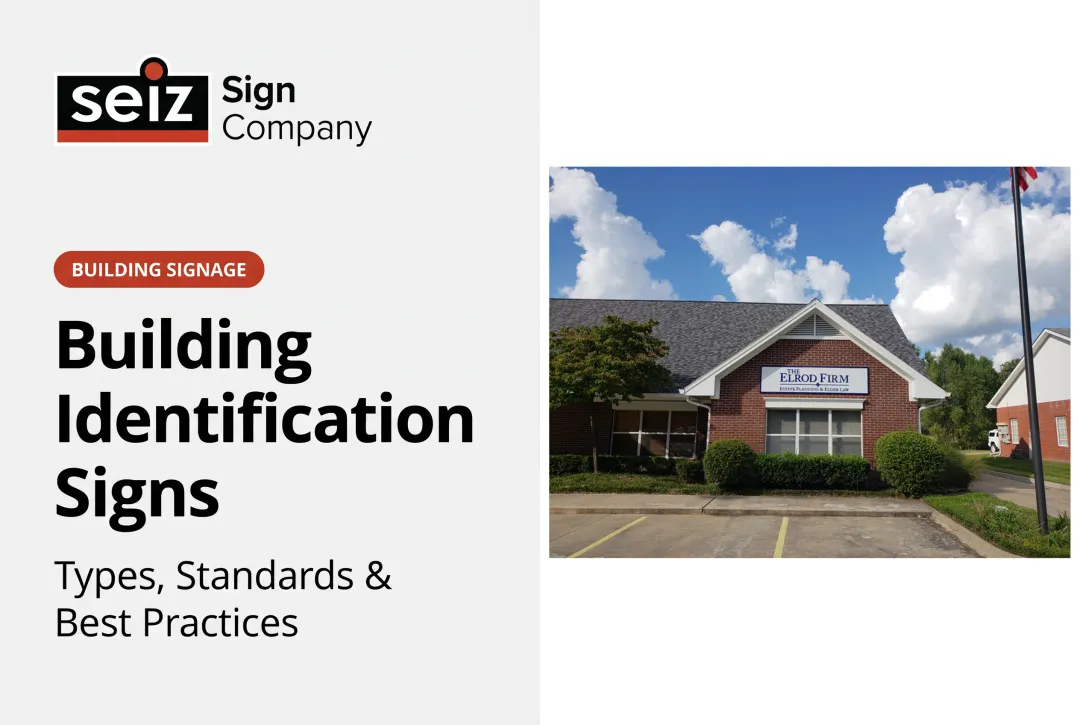
| Finding a building | Building identification signs | Building name or main department | Use one clear name and make it visible from the approach. |
| Moving indoors | Interior directories and directional signs | Floors, departments, elevators, stairs, and room ranges | Place signs at entrances and hallway intersections. |
| Confirming a destination | Room, door, and ADA signs | Room numbers, offices, restrooms, and permanent spaces | Match the sign to its purpose and accessibility requirements. |
| Sharing changing information | LED displays or electronic message centers | Events, schedules, and announcements | Use digital signs only where regular updates are useful. |
Bringing all of these sign types together as one cohesive system takes careful planning, consistent design, and experienced execution. That's where working with a full-service sign company makes a difference.
Seiz Sign Company has helped Arkansas businesses and institutions plan dependable sign systems since 1908. As a fourth-generation sign company with licensed sign electricians on staff, we can coordinate the design, permitting, installation, and service your university wayfinding signage project requires. Call us at (501) 623-3181 to discuss your wayfinding project.
Planning Your Campus Wayfinding Project

Large campuses rarely replace every sign at once. Instead, most projects are completed in phases, allowing institutions to improve navigation, manage budgets, and minimize disruption while building a coordinated wayfinding system.
A typical campus wayfinding project includes the following stages:
- Assess the existing signage system. Review current signs, identify navigation gaps, map visitor decision points, and note any outdated or non-compliant ADA signage.
- Develop campus-wide design standards. Establish consistent typography, colors, symbols, naming conventions, and mounting specifications so every sign communicates as part of one unified system.
- Upgrade permanent wayfinding signs. Prioritize entrance signs, directional signs, custom sign fabrication for building identification, interior directories and room signs, and ADA-compliant Braille signs. These permanent signs form the foundation of the wayfinding system and resolve most navigation challenges.
- Add digital wayfinding where it provides value. Install interactive kiosks or digital displays at high-traffic locations, such as visitor centers, student unions, healthcare lobbies, or major campus entrances, where information changes frequently.
- Expand and refine the system. As the campus evolves, extend digital signage, update directories, and integrate QR codes or mobile navigation where they improve the visitor experience.
One of the biggest mistakes campuses make is investing in digital kiosks before the core wayfinding system is in place. Another is adding new signs over time without keeping the design, naming, and placement consistent. A strong campus wayfinding system is built by making sure every sign works together.
Best Design Practices for Campus Signage

A campus wayfinding system works best when every sign follows the same visual and verbal rules.
- Use one approved name for each destination: Consistent building, department, and room names help visitors recognize the same location across maps, directories, and signs.
- Create a clear information hierarchy: Show the most important destination first, followed by supporting directions, so visitors can understand the message quickly.
- Keep typography, colors, symbols, and arrows consistent: Repeated visual cues make the system easier to follow across different areas of the campus.
- Match each sign to its viewing conditions: Letter size, contrast, illumination, and mounting position should reflect how far away the sign will be viewed and whether people are walking or driving.
- Carry the institution's identity across the campus: Professional custom sign design support can create a coordinated style for exterior and interior signs.
Consistency is more valuable than giving each building an unrelated sign style. A unified system makes every sign easier to recognize and use.
Plan ADA-Compliant Campus Signage

ADA requirements vary according to what a sign communicates and where it is placed. Identifying each sign's purpose early helps the campus include the right visual, tactile, mounting, and placement features from the beginning.
ADA signage facts
- Permanent room and space signs: These signs generally require raised tactile characters and contracted Grade 2 Braille.
- Finish and contrast: Tactile signs require a non-glare finish, and the characters must contrast with the background.
- Mounting height: The baseline of the lowest tactile character must be at least 48 inches above the finished floor. The baseline of the highest tactile character must be no more than 60 inches above it.
- Placement at doors: At a single door, tactile signs are generally mounted on the wall at the latch side. When that space is unavailable, the nearest adjacent wall may be used.
- Directional and informational signs: These may use visual characters without tactile characters or Braille, but applicable visual requirements still guide their design.
Digital wayfinding kiosks should also meet accessibility requirements. This typically includes:
- WCAG 2.1 AA color contrast standards to ensure on-screen content is easy to read.
- Screen-reader compatibility and keyboard navigation so people who can't use a touchscreen can still access information.
- Touchscreen controls mounted at ADA-compliant heights to accommodate wheelchair users.
One commonly overlooked compliance gap involves accessible routes. On older campuses, accessible entrances, ramps, or elevators may be located away from the primary entrance. In these situations, clear directional signage guiding visitors to those accessible routes isn't just a convenience - it's a legal requirement.
That's why many institutions treat ADA signage as its own planning package within a campus wayfinding project. It has its own design standards, installation requirements, inspection criteria, and documentation. Addressing these requirements early helps avoid costly changes later and reduces the risk of compliance issues once the system is installed.
Campus Wayfinding Signage for Arkansas Institutions
A successful campus wayfinding system is more than a collection of signs. It requires consistent design, thoughtful placement, quality fabrication, and careful installation so visitors can navigate confidently from arrival to their destination.
For more than 118 years, Seiz Sign Company has helped schools, colleges, healthcare campuses, offices, and other institutions across Arkansas create coordinated wayfinding systems. From monument signs and directional signage to ADA signs, interior directories, illuminated signs, and digital displays, we help ensure every sign works together as part of one cohesive system.
Our team manages every stage of the project, from design and permitting to installation and ongoing service, so your campus has a wayfinding system that's built to perform today and adapt as your campus grows.
Ready to improve navigation across your campus? Call Seiz Sign Company at (501) 623-3181 or request a custom quote to get started.
Frequently Asked Questions
What signs should be included in a campus wayfinding system?
A complete campus wayfinding system typically includes entrance and monument signs, vehicle and pedestrian directional signs, building identification signs, interior directories, room and ADA signs, and selected digital displays where information changes regularly. Each sign serves a different purpose, guiding visitors from arrival to their final destination.
Should a campus use static signs, digital displays, or both?
Most campuses benefit from using both. Static signs provide permanent guidance for entrances, buildings, directions, room numbers, and accessible information, while digital displays are best for content that changes frequently, such as event schedules, announcements, and directory updates.
Which campus signs must meet ADA requirements?
Permanent room number signs for schools and other space identification signs generally require tactile characters and Braille. Directional and informational signs must also meet applicable requirements for readability, contrast, and placement. The exact requirements depend on the sign's purpose, location, and how visitors use it.
How much does campus wayfinding signage cost?
Every campus wayfinding project is priced individually. The total cost depends on factors such as the number and type of signs, materials, illumination, digital components, site access, permitting, installation, and ongoing maintenance requirements. A site assessment provides a more accurate estimate than a general price range.